Available on the App Store
Both Cameras.
One Shot.
Record from front & back cameras simultaneously. PiP, split screen, dual lens — all in real time.
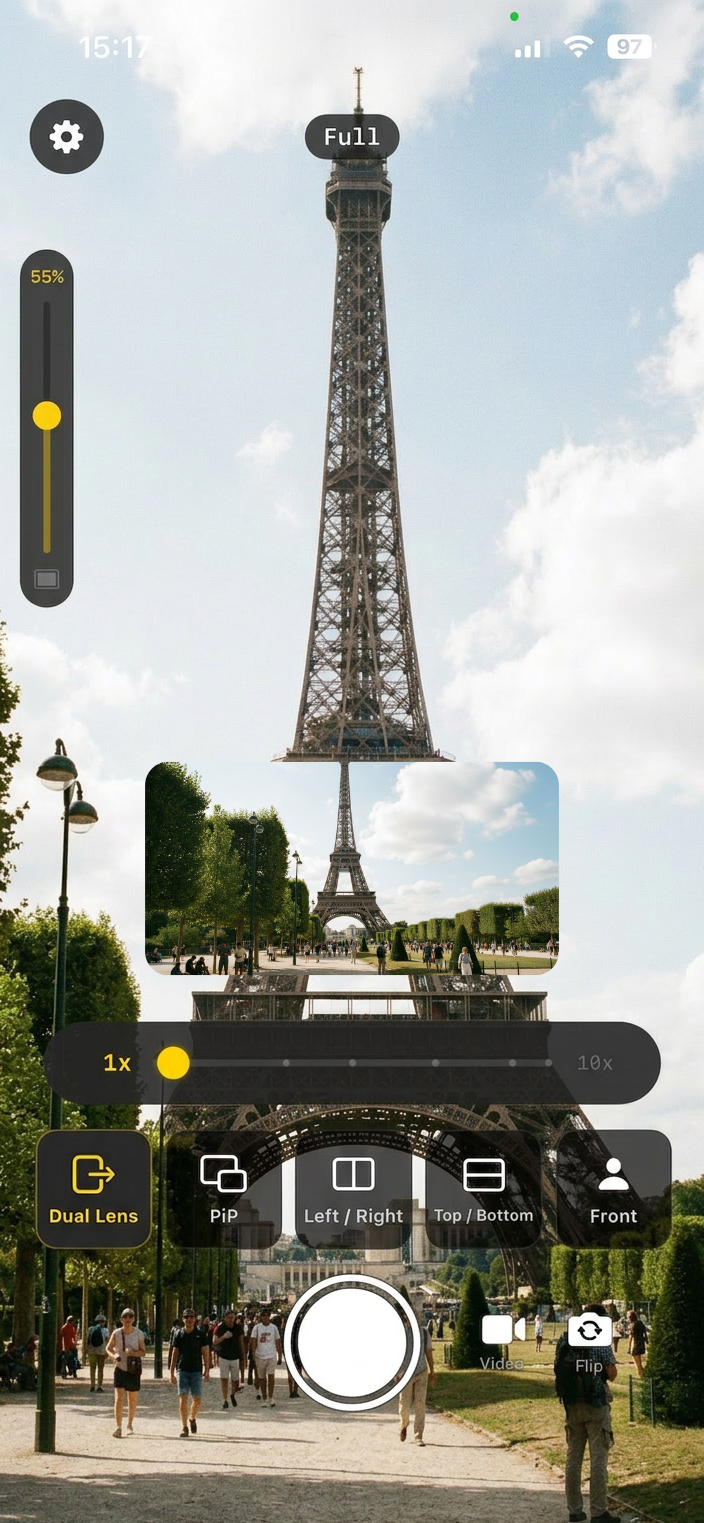
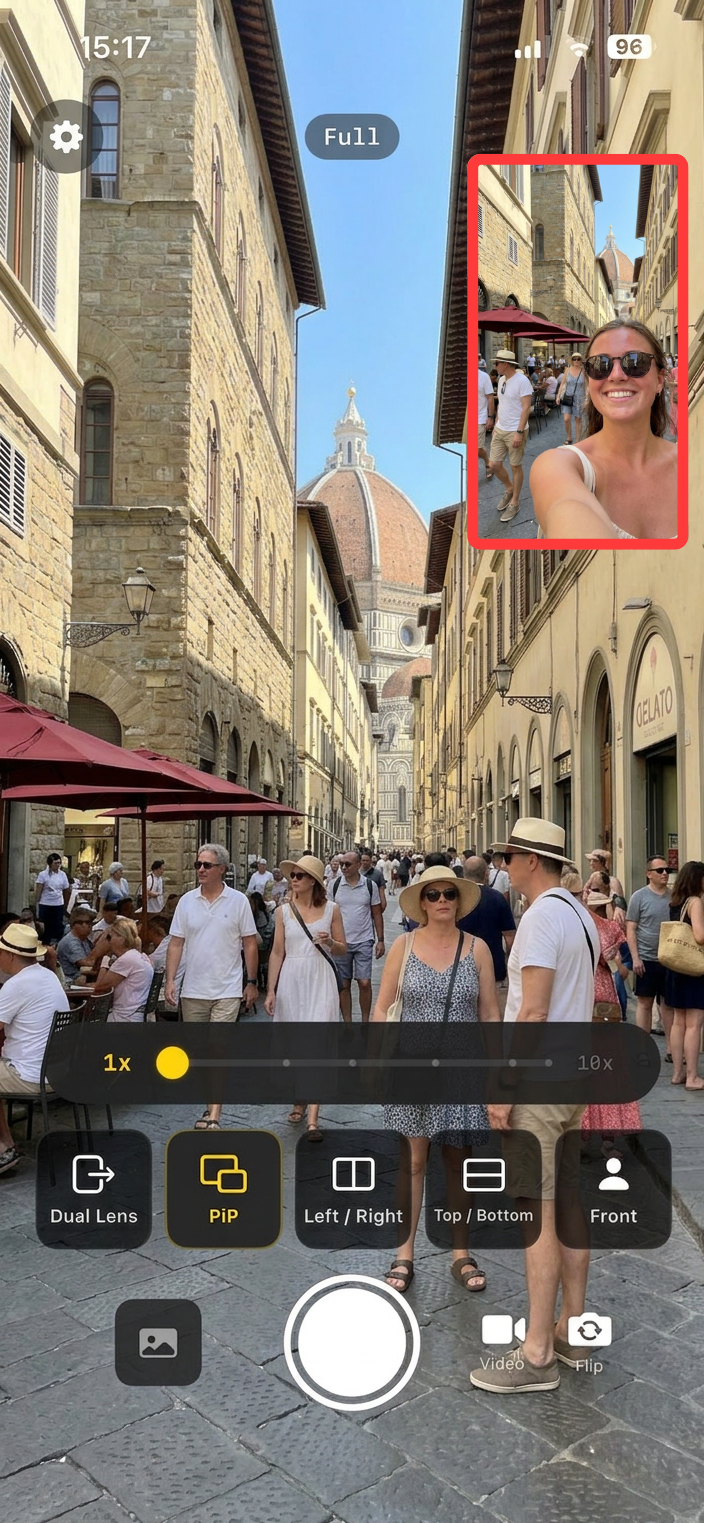
Record from front & back cameras simultaneously. PiP, split screen, dual lens — all in real time.
Real screenshots from DualCam on iPhone.
Record portrait and landscape from the same rear camera at once.
Overlay your front camera anywhere on the back camera feed.
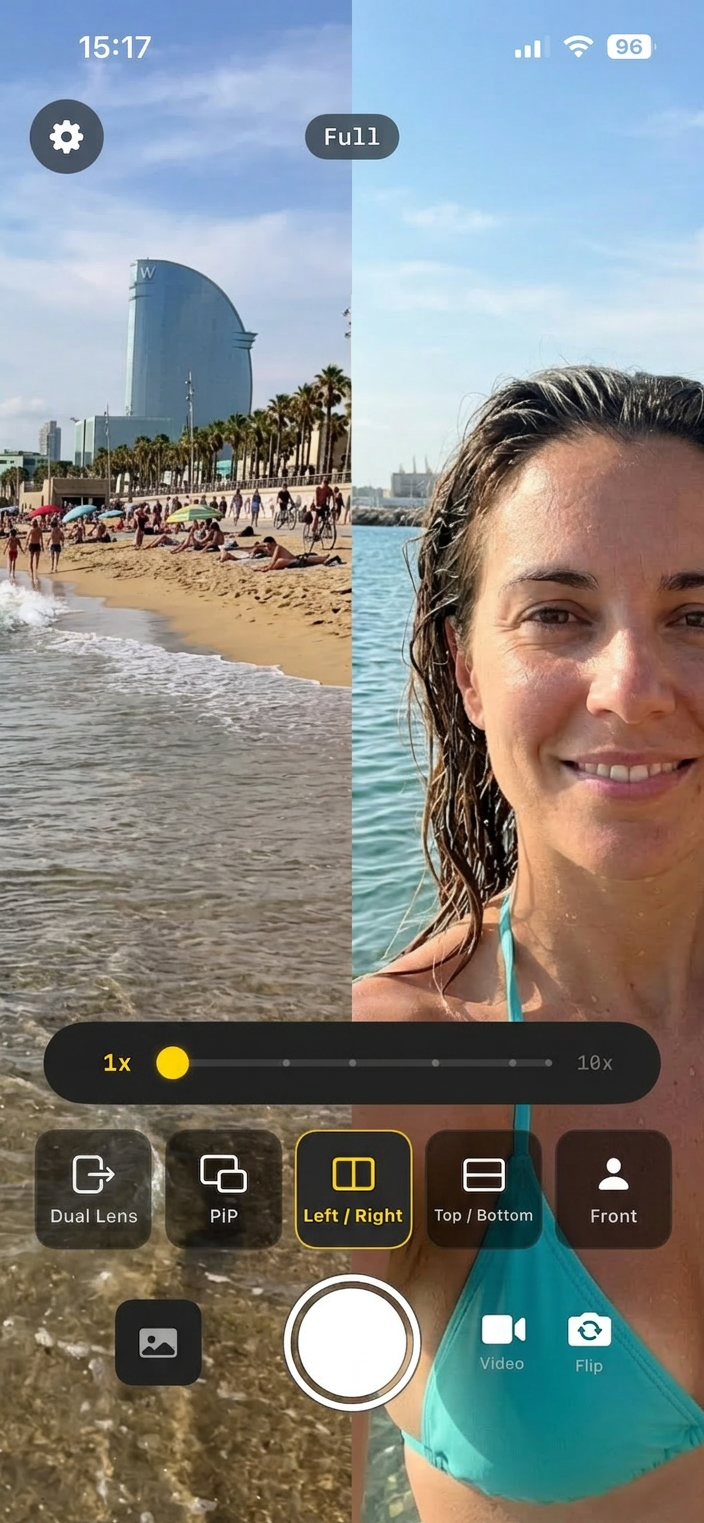
Show both cameras side by side in a single frame.
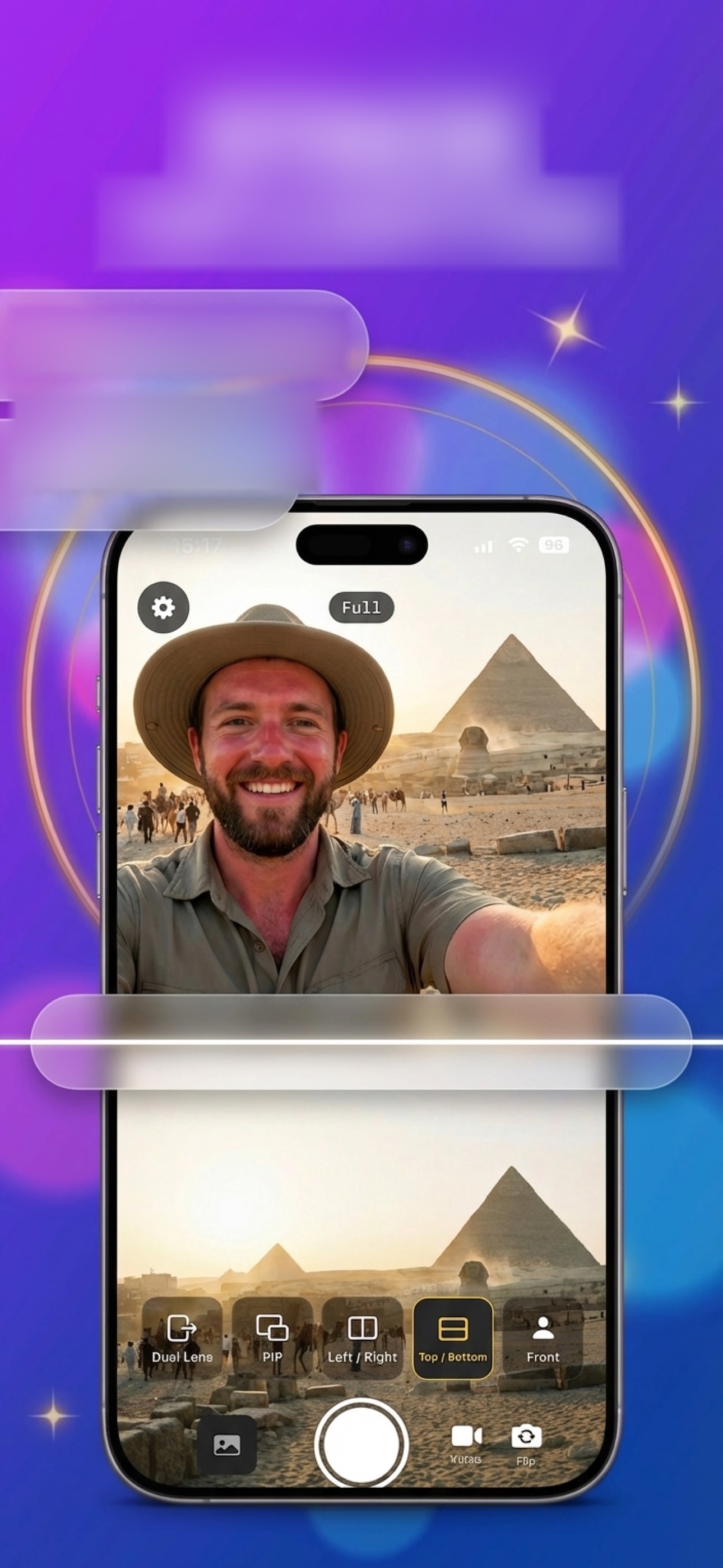
Stack cameras vertically for a different perspective.
Capture both perspectives at the same time, with pro-level control.
Overlay front camera in a customizable window — rectangle, circle, heart, star, hexagon shapes with adjustable size, position and border.
Side-by-side or top-bottom layouts show both cameras equally. Perfect for reaction videos and tutorials.
Record from two rear cameras simultaneously — wide and ultra-wide — for cinematic dual-angle footage.
Capture still photos or record videos from both cameras. Quick snap or long recording — your choice.
Use a pre-recorded video as the background while recording with your front camera overlay. Great for reactions.
See exactly what you'll capture — both cameras render live with all layout options applied in real time.
Three steps. That's it.
Pick PiP, split screen, dual lens, or video PiP — swipe to switch instantly.
Adjust PiP shape, size, border. Drag it anywhere. Zoom each camera independently.
Tap the shutter for photos or record video. Both cameras captured simultaneously.
Remove limits and go watermark-free.
Free to download. Start recording with both cameras today.
Download on the App Store